


The charging port is the most abused part of a phone. It is plugged and unplugged several times a day, pulled sideways by cables, filled with pocket lint and sometimes splashed with water. Oppo phones, with their fast-charging systems, put extra demands on the port, because a poor contact does not merely slow charging; it can stop fast charging entirely or cause heat. This guide explains the signs of a failing Oppo charging port, what you can try before repair, what the replacement involves and how to test the result, in a way that helps both owners and the shops that serve them.
Is it really the port?
Many charging problems are not port faults. A worn cable, a weak adapter or a dirty connector can cause the same symptoms. Test in order. Try a different cable, ideally one you know is good. Try a different charger. Try a different socket. Look into the port with a torch for lint, which packs in tightly and stops the plug from seating. If all of these fail and the plug still wobbles or the phone charges only when held at an angle, the port itself is worn or damaged. See phone not charging fixes and phone charges only when the cable is wiggled.
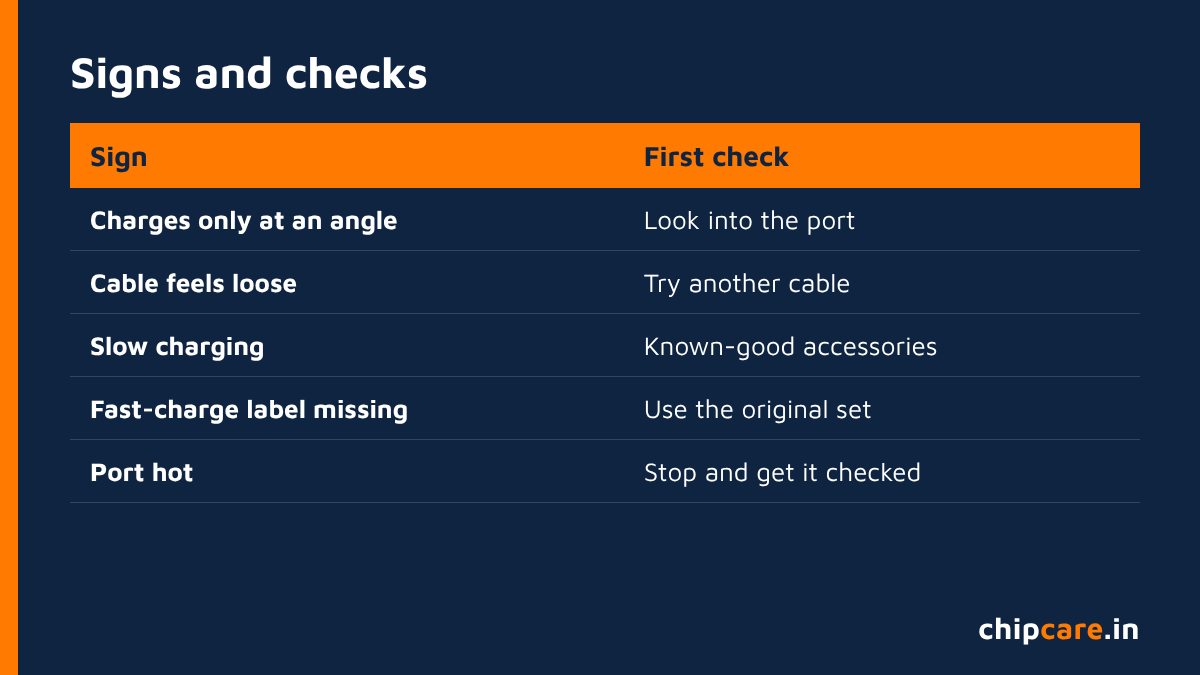
Signs and what to check
| Sign | Likely cause | First check |
|---|---|---|
| Charges only at an angle | Worn or bent contacts | Look into the port |
| Cable feels loose | Worn port or worn plug | Try another cable |
| Slow charging | Cable, charger, dirt or port | Try known-good accessories |
| Fast-charge label missing | Cable, charger or port contacts | Use the original set |
| Port or plug hot | Poor contact or short | Stop and get it checked |
| Stopped after water | Corrosion | Stop use, dry, inspect |
A loose port rarely heals itself. Each wiggle damages the contacts further, so repair it before it fails completely.
Step by step: what to try before repair
- Switch off the phone.
Cleaning with power on risks a short. - Look with a torch.
Check for lint, dirt or bent contacts. - Clean gently.
Use a wooden toothpick or a soft brush. No metal tools or liquids. See how to clean a phone charging port. - Test known-good accessories.
Use the original charger and cable if you can. - Restart and test again.
Software can mislead the charging indicator. - Book a repair if the fault remains.
A technician can test and replace the port.
What the repair involves
On many Oppo phones, the charging port sits on a small board at the bottom of the phone, joined to the main board by a flex cable. The technician opens the phone, disconnects the battery, removes the small board, fits a new one and tests. On other designs, the port is soldered to the main board, and replacing it needs micro-soldering skill. In both cases the repair should be followed by a full charging test: slow charging, fast charging, data transfer and a wiggle check. Since the same small board often carries the microphone and sometimes the headphone jack, test those after the repair. See phone microphone not working fix and USB-C vs Lightning charging port repair. You can browse mobile phone charging ports and Oppo phone screens if other parts are needed.
Disconnect the battery before any work near the port. The port sits close to the battery connector, and a slip with a metal tool can short it. See ESD-safe repair basics.
Using fast charging safely
Fast charging works only when the charger, cable and phone agree on a protocol. A cheap or worn cable can force the phone back to slow charging, and a damaged port can cause heat at the contacts. Use the original set where you can. If you use third-party accessories, pick well-known brands that state support for your phone's system. After a port repair, always check that fast charging works with the original set, since a poor contact will limit it. See fast charging vs normal charging and battery life and phone fast charging not working.
Common mistakes
- Replacing the port when the cable was the problem.
- Cleaning with metal pins and bending the contacts.
- Using the phone with a loose port until it fails.
- Skipping the fast-charging test after repair.
- Pulling the cable sideways when unplugging.
For repair shops
Port repairs are among your most common jobs. Keep ports for popular Oppo models in stock, test each on arrival and record the supplier. Always check the cable, charger and lint before you quote a replacement, because a cleaning can save a customer money and earn their trust. See how to test phone parts before installing and how to price phone repairs. For background, see the Wikipedia page on USB-C.
Charging port or cable: a five-minute test
Take a cable that you know is good and plug it into another phone that charges quickly. Then try the cable in your Oppo. If the cable works in the other phone but not in yours, the port is suspect. Next, try a second cable in your phone. If a second cable gives the same fault, the port is the cause. This swap test needs nothing but a friend's phone and takes five minutes. It also protects you from a common trap: replacing a port, only to find that the real problem was a cable with a bent plug.
Watch the plug as well as the port. A worn plug can have loose or flattened contacts, and it will damage a new port over time. Replace cables that feel loose, have exposed wire near the plug or fail the swap test. Good cables are cheap compared to port repairs.
If you use the phone while charging, a longer cable and a stand take strain off the port, which can add years to its life. A small change in habit often saves a repair that would otherwise come within a year.
Finally, remember that moisture can also play tricks. If the phone warns about liquid in the port, dry it with air at room temperature, wait and try again. Do not force charging through a wet port, because it can corrode the contacts.
Frequently asked questions
How do I know my Oppo charging port is faulty?
A loose cable, charging only at an angle or a fault that remains with known-good accessories suggests the port.
Can cleaning fix a charging port?
Often, if lint is the cause. Use a wooden toothpick and no liquids.
Is a charging port replacement expensive?
It is usually a small part, but cost depends on the model and design. Ask for a quote naming the part.
Will fast charging work after repair?
It should with a good port and the original accessories. Test before you pay.
Can water damage the port?
Yes, through corrosion. Dry the phone and get it checked quickly.
Is it safe to use a loose port?
For a short time, but it can cause heat and failure. Repair it soon.


