


Google Pixel phones are loved for their cameras and clean software, and many owners hold on to them for years. After a few years, though, the charging port can wear, and a Pixel that charged perfectly begins to disconnect, charge slowly or refuse to charge at all. Pixel repair is a bit different from mainstream-brand repair: parts are less common in local shops, designs are tightly integrated and software features such as battery protection can affect how charging behaves. This guide explains the symptoms, the checks to make first, what a port replacement involves and what to ask a shop about before you commit.
Check the software features first
Some Pixel phones include features that manage charging to protect the battery, such as adaptive charging that slows down overnight or a limit that stops charging at a set level. If your Pixel seems to charge slowly at night or stops at a level below full, check the battery settings before you suspect the port. Also check the notification that shows when the phone detects moisture in the port or an unsupported accessory. Settings differ between models and software versions, so look in the battery section of your phone's settings. If the behaviour disappears when you change the setting, the port is fine. See how to check battery health on an Android phone.
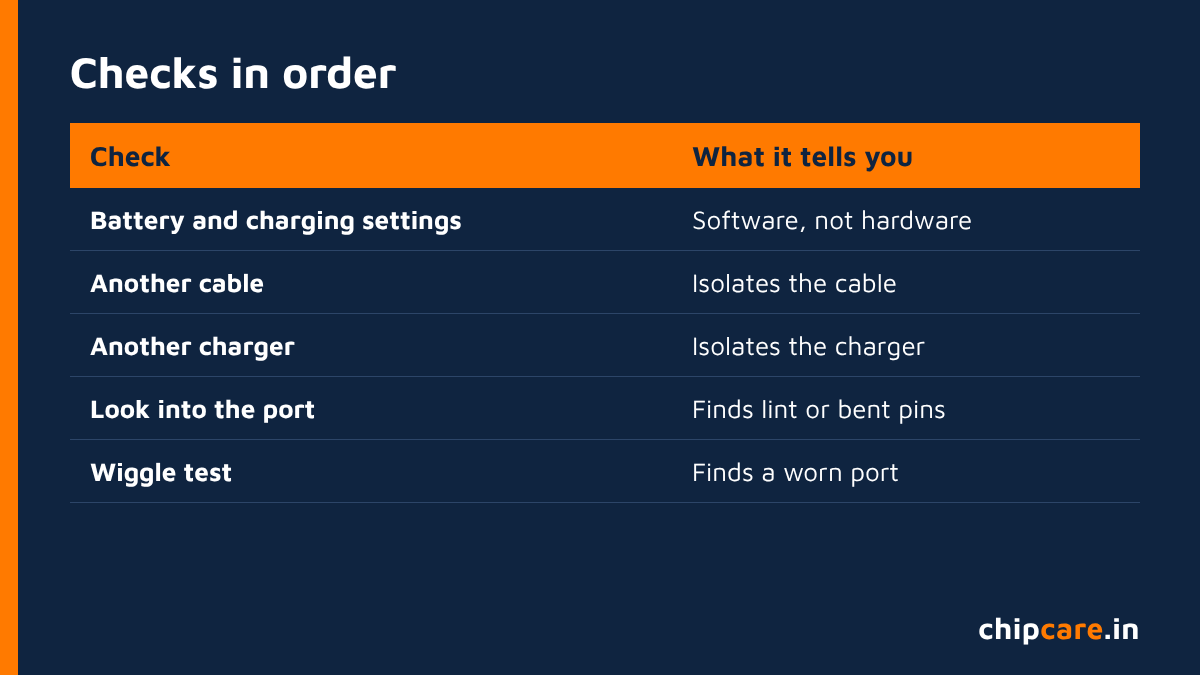
Checks in order
| Check | What to do | What it tells you |
|---|---|---|
| Battery and charging settings | Look for adaptive charging or a limit | Software, not hardware |
| Another cable | Use a good USB-C cable | Isolates the cable |
| Another charger | Use a trusted charger | Isolates the charger |
| Look into the port | Use a torch | Finds lint or bent pins |
| Wiggle test | Move the plug slightly | Finds a worn port |
| Moisture warning | Dry the phone and wait | Finds liquid in the port |
Before you pay for a port, rule out the charging settings. A feature working as designed can look exactly like a fault.
Step by step: from checks to repair
- Check battery settings.
Turn off adaptive or limited charging temporarily and retest. - Try other accessories.
Use a good cable and a trusted charger. - Clean the port.
Phone off, wooden toothpick, no liquids. See how to clean a phone charging port. - Check the battery.
See Google Pixel battery replacement guide. - Back up your phone.
See how to back up a phone before repair. - Choose an experienced technician.
Ask whether they have repaired your Pixel model and which parts they use.
Repair considerations for Pixel
Pixel phones are tightly designed, with adhesive-sealed bodies and careful cable routing. A port replacement means opening the phone, disconnecting the battery, removing the port or its board and fitting the new one with care. Parts are less commonly stocked than for popular local brands, so ask about availability and lead time. Ask also about the grade of the part, whether the repair affects any water resistance and what the warranty covers. After the repair, test charging, data transfer, the microphone and the speakers. Remember that opening the phone can reduce water resistance even when done well, so avoid water exposure afterwards. You can browse mobile phone charging ports and Google Pixel screens. See also Google Pixel screen replacement cost in India for the cost factors on another Pixel repair.
Official service may suit a recent Pixel. If your phone is under warranty or is a recent model, check what the maker's service offers before using a local shop. For older phones, a skilled local technician is often the practical choice.
Common mistakes
- Assuming a charging limit is a port fault.
- Using a poor USB-C cable and blaming the phone.
- Cleaning with metal tools.
- Letting an inexperienced shop open a tightly sealed phone.
- Expecting full water resistance after a repair.
For repair shops
For brands with limited parts, build a reliable supplier list and be honest about lead times and grades. Test each part, keep records and explain that opening the phone may reduce water resistance. See how to test phone parts before installing and phone repair warranty: what it covers. For background, see the Wikipedia page on Google Pixel.
Pixel batteries, ports and the bigger picture
Pixel phones age in a recognisable pattern. After a few years, the battery weakens and the port wears, and owners often face both at once. If your phone is open for a port repair, ask the technician to test the battery as well, since replacing both at the same time saves labour and spares you a second visit. A tired battery can also mimic a port fault, because it struggles to accept charge, so testing both keeps the diagnosis honest.
Think too about software support. Pixel phones are supported with updates for a set period, and when support ends, the phone becomes less secure over time. If your Pixel is near the end of its support, weigh the repair cost against what you gain. For a phone that still serves you well and has a reasonable support window, repair is sensible. For one that has lost support and is slowing, consider a replacement phone and keep the old one as a backup.
When you collect the repaired phone, test it thoroughly: charge it to full with your usual charger, test wireless charging if your model has it, check that the microphone works on a call and listen to the speakers. Wireless charging, where available, uses different parts from the port, but a careful repair should not affect it. See phone wireless charging not working if you notice a change.
Finally, keep the old part if the shop agrees, and keep the receipt. A Pixel repair is a modest investment, and a clear record of what was done helps both you and the next technician. It also helps you judge, a year later, whether the repair held up as it should.
If you are unsure whether the fault is the port, the battery or a setting, a short bench test at a reputable shop will tell you in minutes, and many shops will do it free or for a small fee.
Questions worth asking the repair shop
Ask whether the port is a separate small board or soldered to the main board, because that decides how much work the repair needs. Ask whether fast charging and data transfer will be tested after the repair, and whether the part is original or compatible. Since Pixel phones are tightly built, a technician who has done the job on your model before is worth choosing.
Frequently asked questions
Why is my Pixel charging slowly overnight?
Adaptive charging may be slowing it on purpose. Check the battery settings.
Can a Pixel charging port be replaced?
Yes, by a technician. Ask about part availability and grade.
Does a repair affect water resistance?
It can. Avoid water exposure after any repair that opens the phone.
How do I clean the port safely?
With the phone off, use a wooden toothpick. Avoid metal tools and liquids.
Could it be the battery?
Yes. A worn battery can cause on-and-off charging. A technician can test it.
Should I use official service?
For a recent or in-warranty phone, check it first. For older phones, a skilled local technician is a good option.


